LeTech LeTech Nix Color Sensor
Color-matching tool
Brand: LeTech
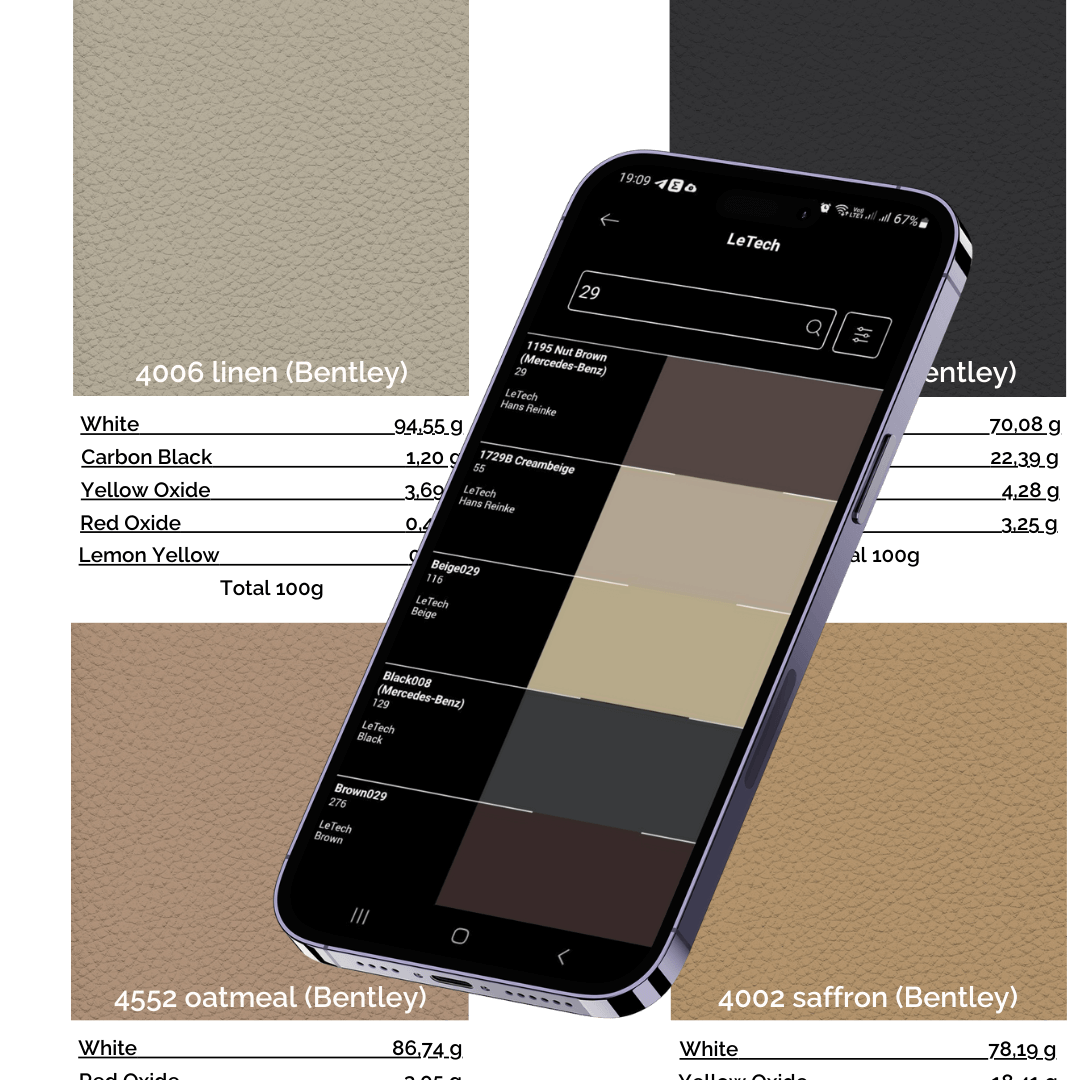
A LeTech color library holding a database of popular colors for professional scanning with the Nix Color Sensor.
Features
- The library is regularly updated by the manufacturer; access for an existing NIX device is obtained by request from LeTech.
- The official PDF instructions describe installing the Nix Toolkit app from the App Store or Play Store and creating an account. To get access to the LeTech colour library, the email address used at registration must be sent to orders@le-tech.ru; the library becomes visible once the manufacturer adds that address to the NIX system.
- Turn on Bluetooth on the phone. According to the instructions, the NIX Pro is always on; in the app, connect via the device icon → Connect to Nix → Okay. If there is a connection problem, turn Bluetooth off, wait a while and turn it back on, and charge the sensor if needed.
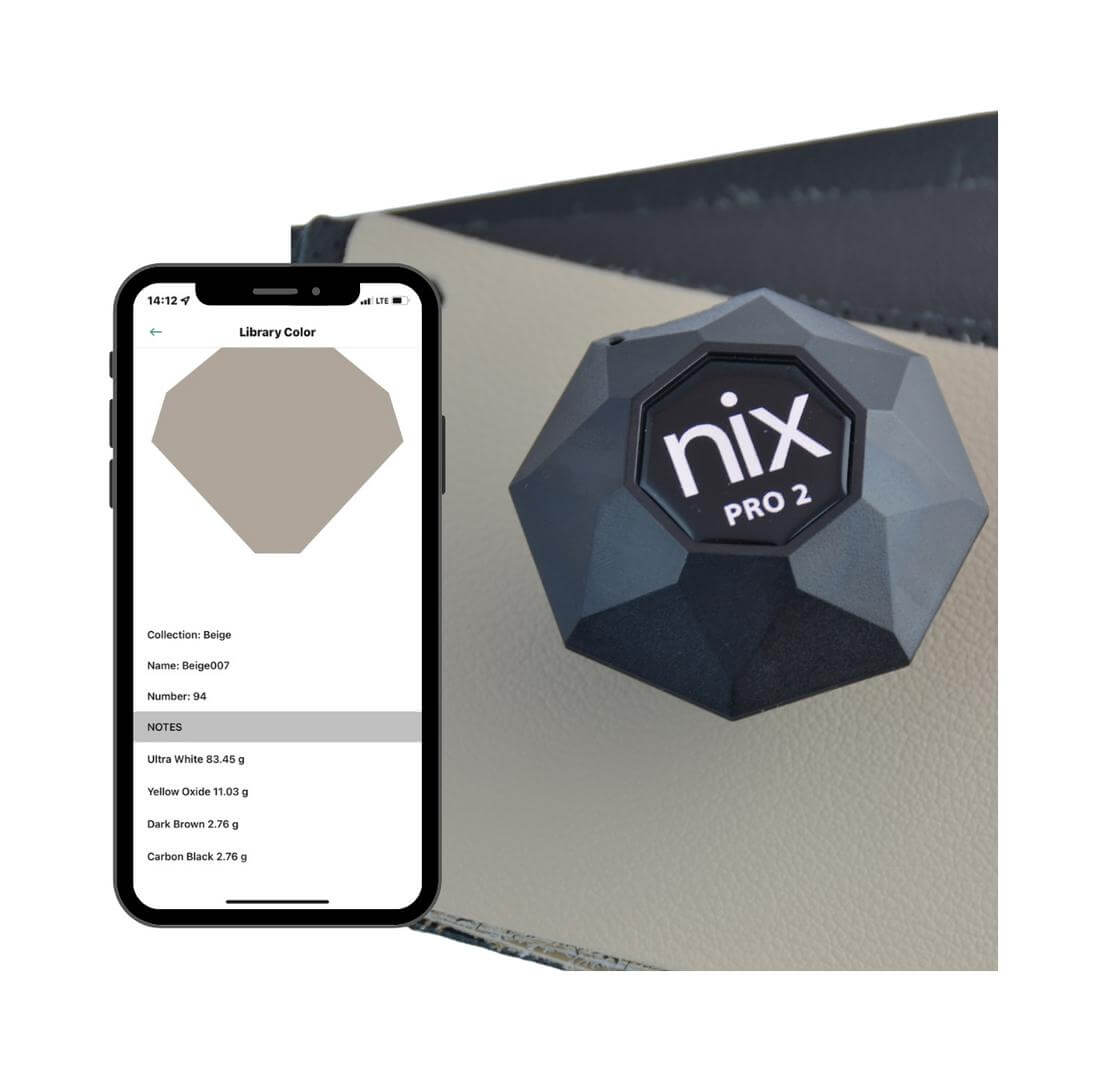
- During measurement, place the sensor flat on the surface and keep it still. In Match → Match to libraries shared with me, manually select the LeTech colours, then scan using Confirm selection and Scan with Nix; the screen shows the closest matching colours.
- Note the matching colour's name or number. On the home screen, go to Manage and browse libraries → Libraries shared with me → LeTech and search for that name/number; the Swatch details section shows the mixing formula.
Specifications
| Manufacturer's product name | LeTech Colour Library for Nix Color Sensor |
|---|
| Article number | 0710003333 |
|---|
| Sensor model in diagram | Nix Pro 2 |
|---|
Documents